 11
11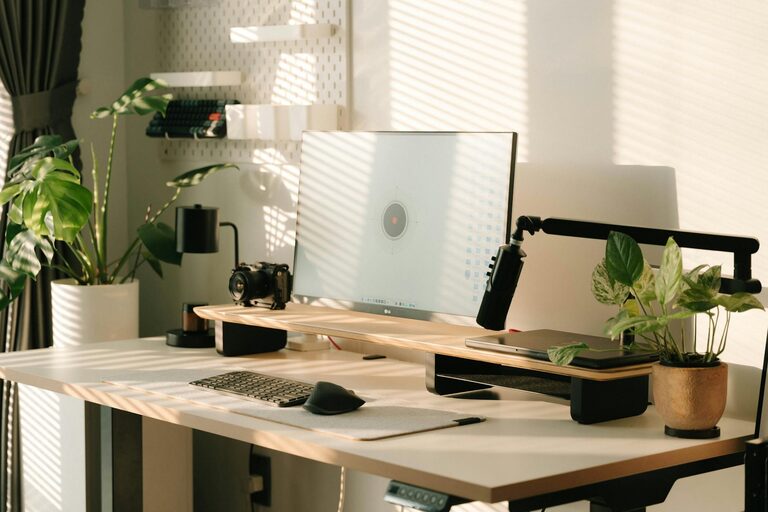
Creating a home office that is both cozy and productive is essential for anyone working remotely or managing tasks from home. A well-designed space not only makes you more efficient but also helps maintain your well-being throughout the workday. In this post, we’ll explore practical tips to help you create a home office that encourages focus and comfort.
The first step is selecting the ideal spot for your home office. Consider these factors:
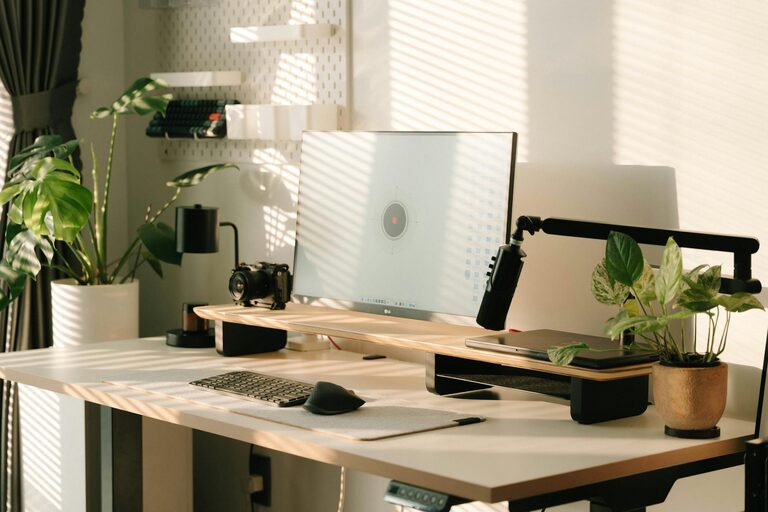
– Natural light: Position your desk near a window if possible. Natural light enhances mood and reduces eye strain.
– Quiet environment: Find a space away from high-traffic areas in your home to minimize distractions.
– Adequate space: Ensure there’s enough room for your desk, chair, and any equipment you need without feeling cramped.
Your furniture plays a vital role in comfort and productivity.
A good chair supports your posture and reduces the risk of back pain:
– Adjustable height and armrests.
– Lumbar support.
– Breathable material.
Choose a desk that fits your equipment and allows freedom of movement:
– Enough surface area for your computer, notebook, and other essentials.
– Consider a standing desk or a converter for better ergonomics.
Clutter can hinder focus. Keep your office organized with these tips:
– Storage solutions: Use shelves, filing cabinets, or desk organizers to keep items tidy.
– Cable management: Use clips, sleeves, or boxes to keep cords neat and avoid tangling.
– Regular decluttering: Set a schedule to clear your workspace of unnecessary items weekly.
Adding personal touches can make your office feel inviting and motivate you.
– Use artwork or photos that inspire you.
– Incorporate plants to add greenery and improve air quality.
– Select colors that boost your mood, such as calming blues or energizing yellows.
Proper lighting reduces eye strain and sets the tone for your workday.
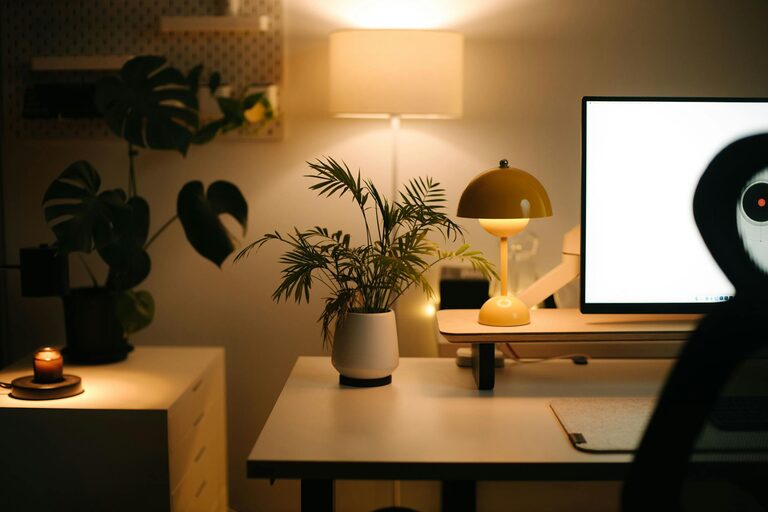
– Pair natural light with quality task lighting like adjustable desk lamps.
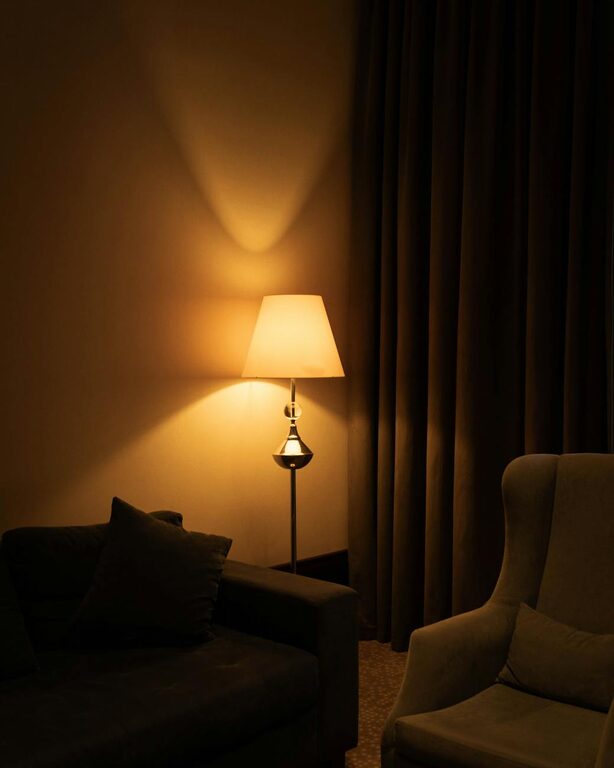
– Avoid harsh overhead lights; opt for soft, warm bulbs to create a cozy atmosphere.
– Position your screens to avoid glare from windows or lights.
Create an environment that helps you focus:
– Use noise-canceling headphones or play ambient sounds if necessary.
– Keep your phone on silent or in another room during focused work periods.
– Set clear boundaries with others in your household about your work times.
If space allows, designate areas within your home office for various activities.
– A main desk area for computer work and meetings.
– A comfortable chair or nook for reading, brainstorming, or taking breaks.
– A small table or surface for writing or laying out materials.
Keeping your workspace clean and working within a schedule benefits productivity:
– Make your bed or tidy up your workspace each morning to signal the start of the day.
– Take short, regular breaks to prevent burnout and improve focus.
– At the end of the day, organize your desk and prepare for tomorrow.
Equip your office with tools that support your workflow:
– Reliable internet connection.
– Ergonomic keyboard and mouse.
– Efficient software for communication and task management.
Designing a cozy and productive home office is about balancing comfort, functionality, and personal style. With thoughtful choices in location, furniture, lighting, and organization, you can create a space that supports your work and well-being. Remember, a pleasant environment is a key ingredient in making your work-from-home experience both enjoyable and successful.